Demo

Its easy to get setup with BabyBook. Just click on each step below to see a sample of the functionality we offer.
- 1Register
- 2Setup user
- 3Create a babybook
- 4Setup babybook
- 5BabyBook modules
Register
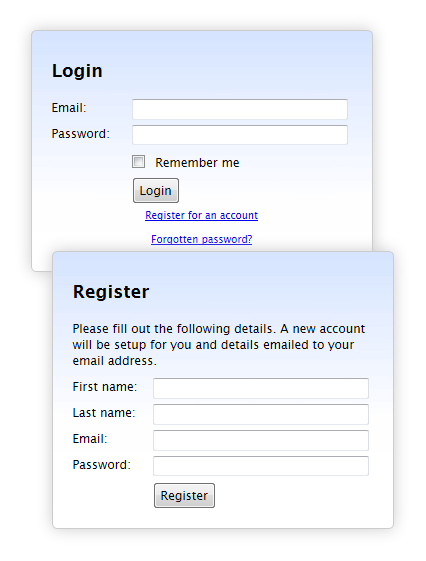
Registering is easy. Simply click on the "Register for an account" link on the login page then fill in your details.
You will be sent an email with a link to validate your account and then you're all ready to go!
Setup user
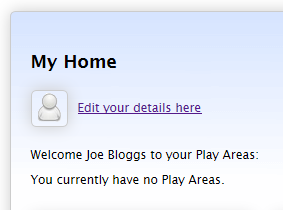
First thing you will want to do is click on the "Edit your details here" link at the top of the page.
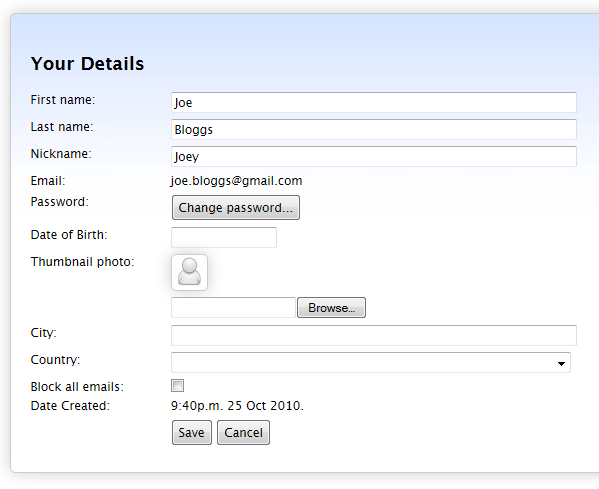
This takes you to the "Your Details" page where you can enter your details and upload a thumbnail photo that will appear next to your blog entries.
Create a BabyBook
BabyBooks that you can view will appear in the middle of the page. Click on them to view that babybook.
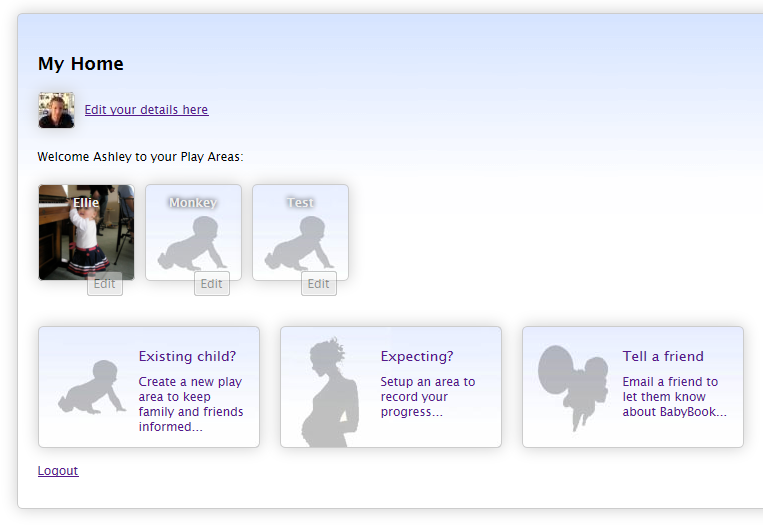
To create a new babybook click on the "Existing child?" or "Expecting?" buttons below. Both create a similar babybook but ask slightly different questions based on whether the child is born or not.
Setup babybook
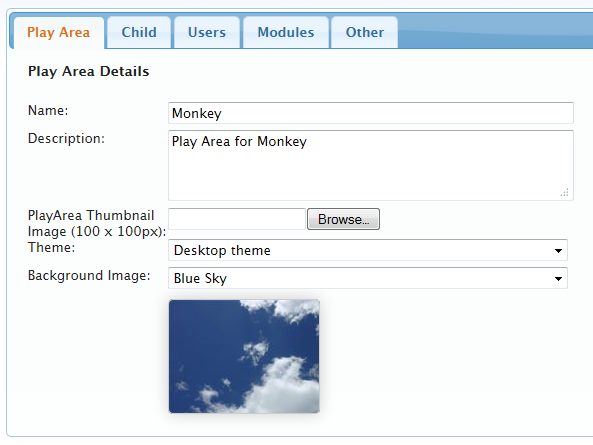
Once you have created a babybook you can edit its properties by clicking on the "Edit" button that appears in the bottom right corner of that babybooks icon.
You can then edit the properties of the babybook including setting up a background image.
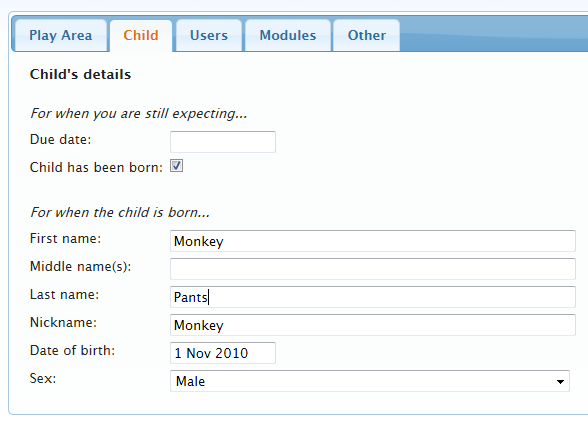
Editing the details of the child that the babybook is for. These details will appear in the modules for the babybook (e.g. the Blog).
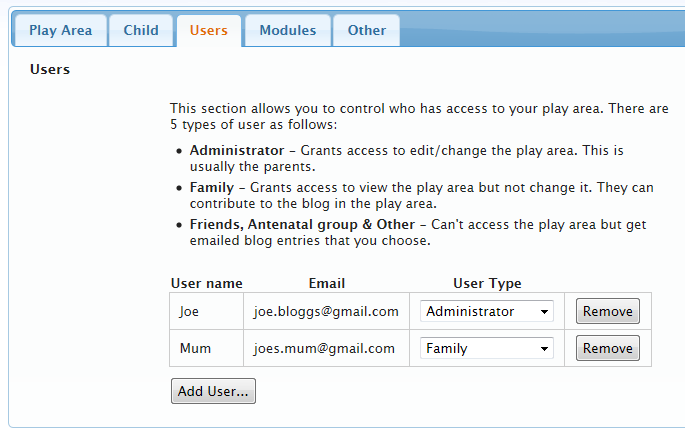
On the users tab you can setup who has access to view the babybook. Users will be emailed an invite to the site.
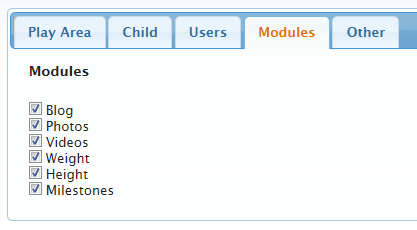
You can choose which modules are availabe in the babybook.
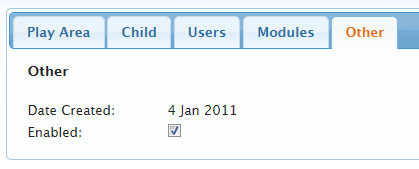
And finally enable or disable the babybook.
BabyBook modules
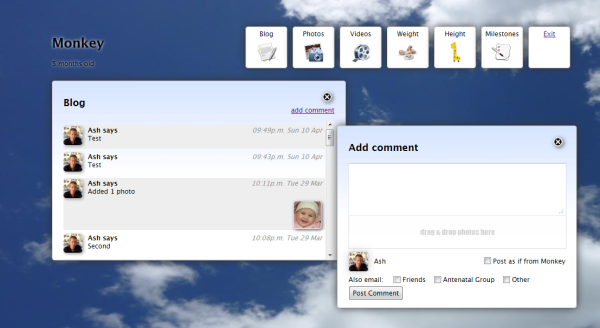
The babybook looks something like the screenshot below. Here we are showing the Blog module where someone can post a comment and users of the babybook will be emailed automatically.
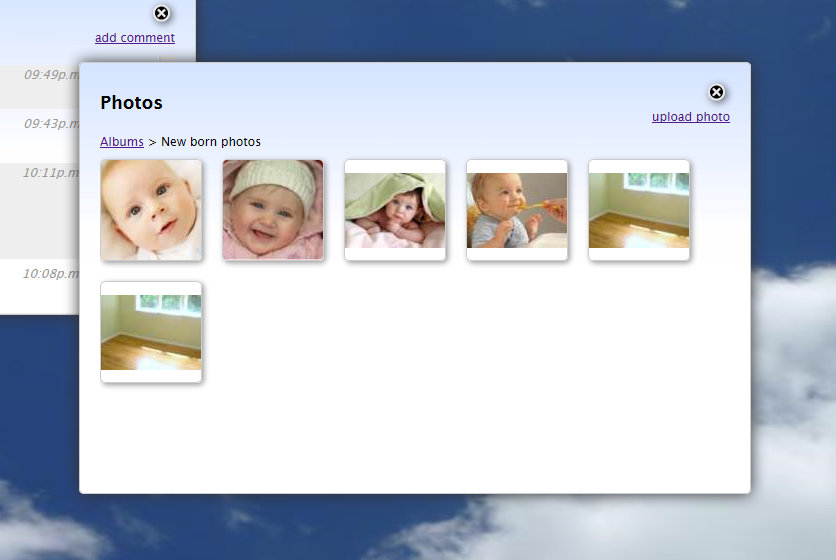
The Photos module allows you to upload and maintain photos and photo albums. You can also attach photos from here in your blog posts by dragging and dropping them.
The Videos module is similar to the Photos module and allows you to maintain your videos. This module is currently still in development.
The Weight Chart lets you enter weights for your child and track them against 25th and 75th percentiles for that gender. In the future we plan to allow you to compare the weight charts between your children.

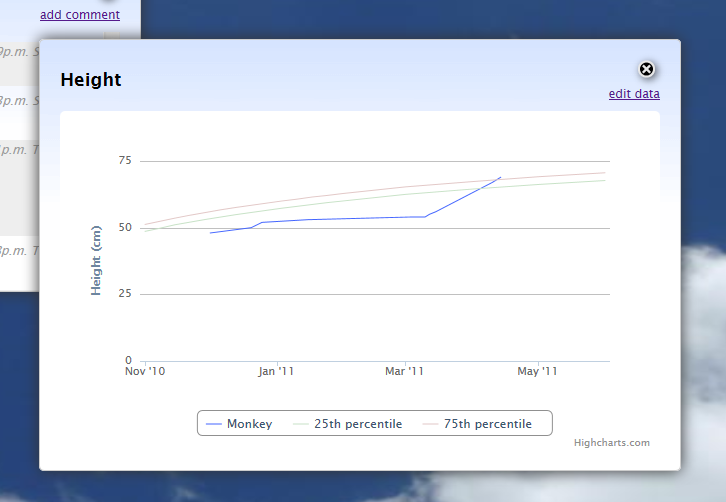
The Height Chart lets you enter heights for your child and track them against 25th and 75th percentiles for that gender. In the future we plan to allow you to compare the height charts between your children.
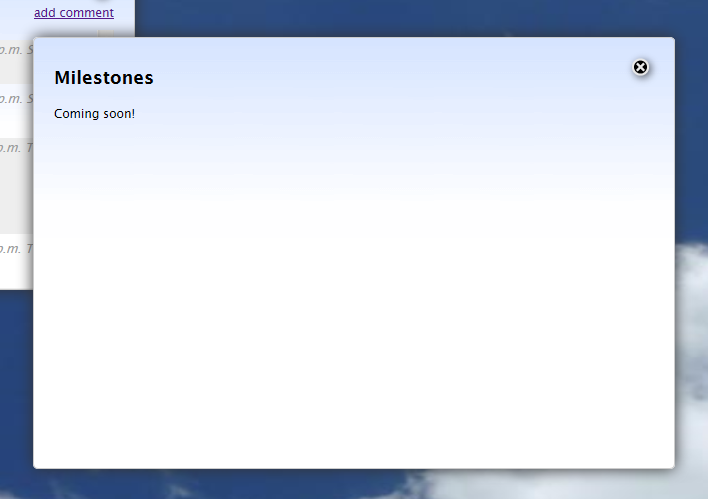
The Milestones module helps you track developmental milestones for your child such as their first crawl or walk This module is still in development.